
Dashboard
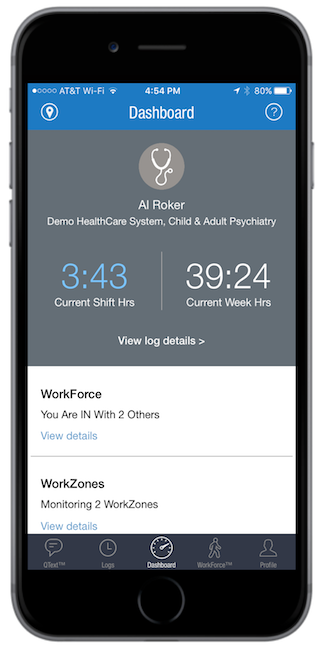
Learn MoreThe Dashboard provides an overview of the ResQ app – in a single screen. Residents can easily view their daily and weekly hours. The WorkForce section indicates their current status, and the number of other users who are also “IN”. Users can also quickly view the number of WorkZones ResQ is actively monitoring and quickly link to view the boundaries on a map.
In the news
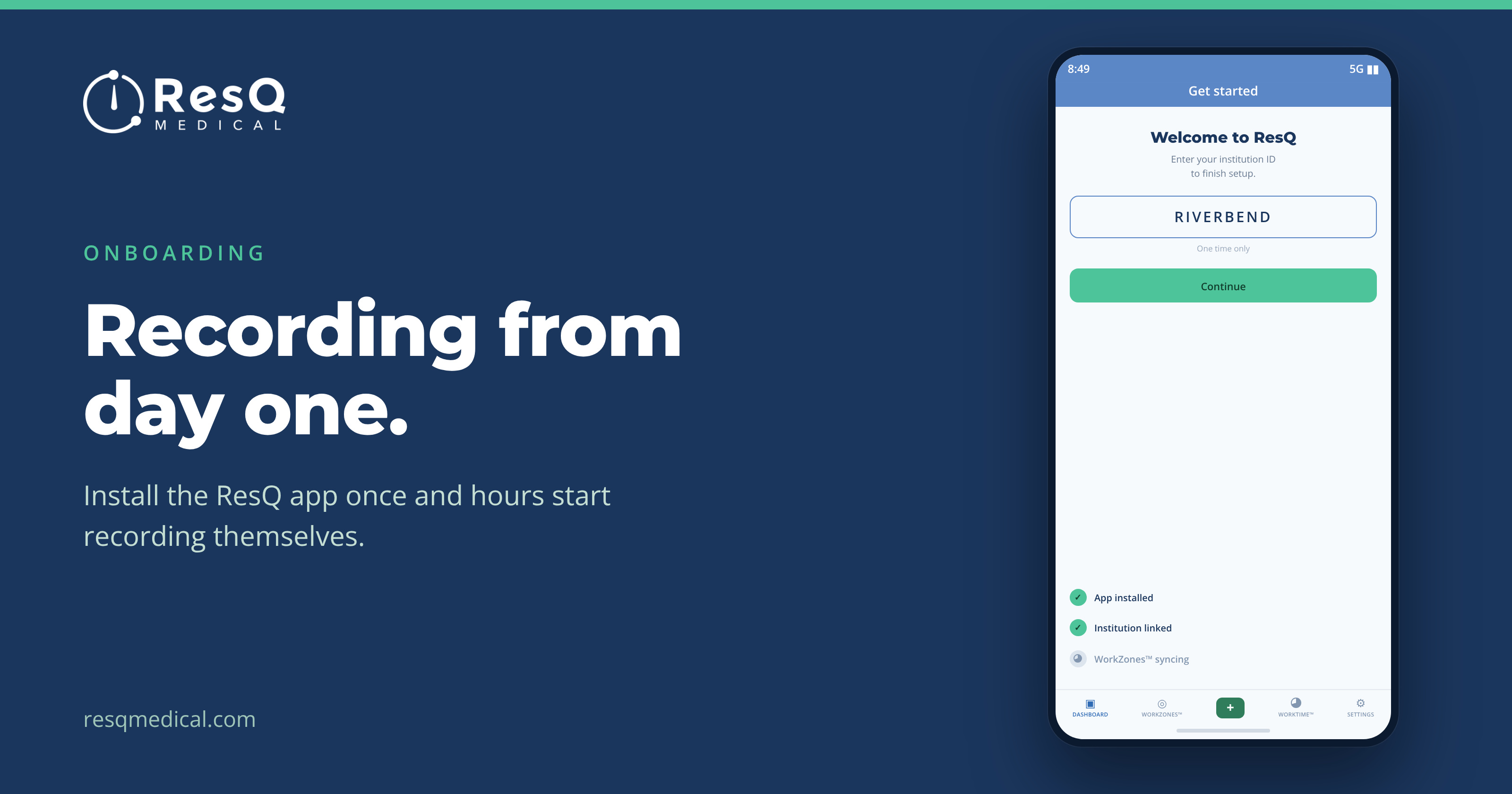
Getting a new residency class recording from day one
Orientation week is a firehose. With ResQ there is much less habit to build, because the hard part happens on its own — three steps and a new class is recording from day one.
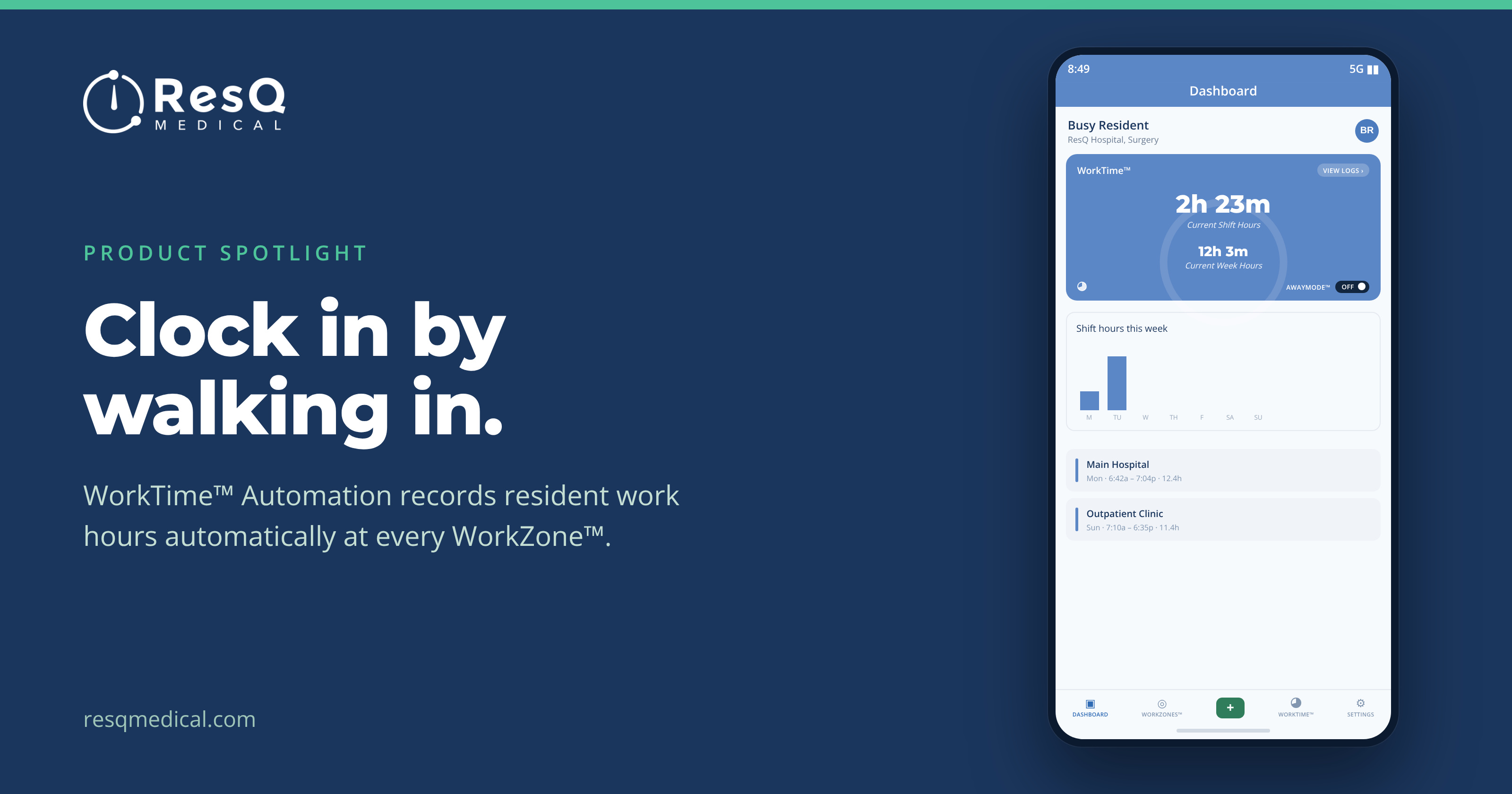
WorkTime™ Automation: clock in by walking in
It’s Sunday night and a resident is trying to remember Tuesday. Most duty-hour records are reconstructed after the fact. WorkTime™ Automation starts from a different premise.
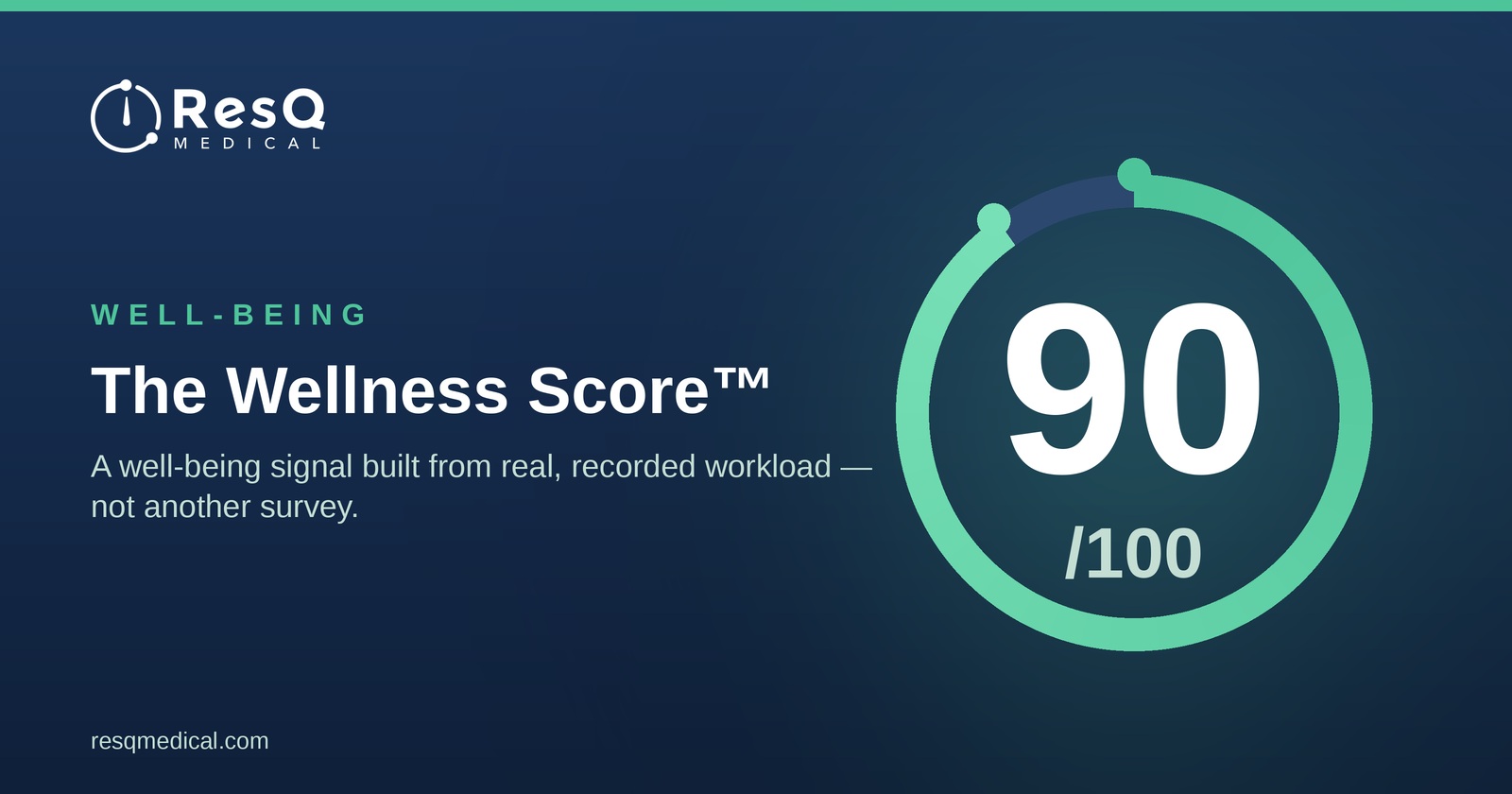
The Wellness Score™: A Well-Being Signal Built From Real Workload
ResQ’s Wellness Score™ is a well-being signal built from real, recorded resident workload — not another survey.