
The hours that happen everywhere else
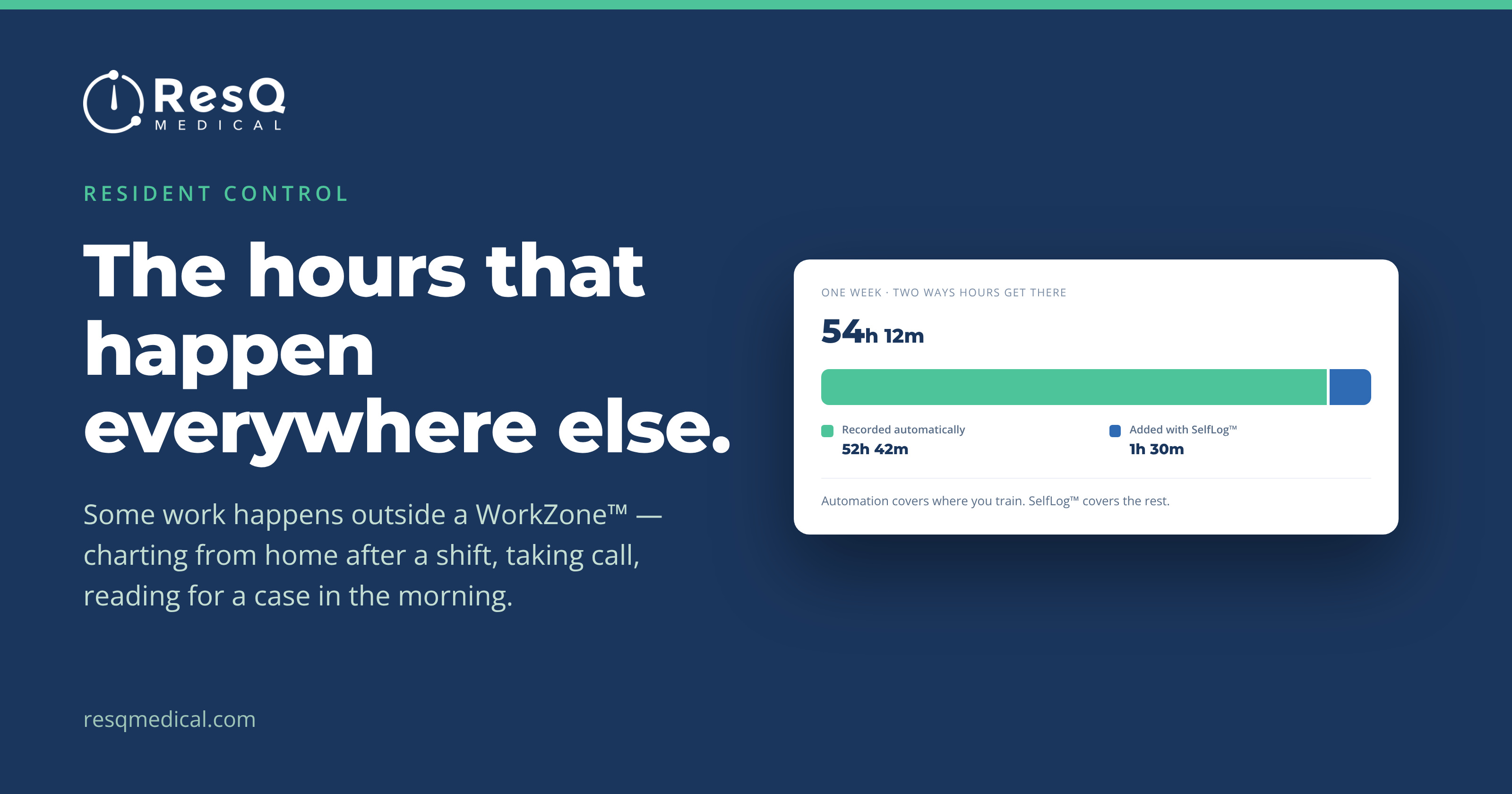
The premise of ResQ is that you shouldn’t have to think about your hours. You walk into a WorkZone™, the clock starts. You leave, it stops. Nothing to press, nothing to remember at the end of a 14-hour day.
That works because a WorkZone™ is drawn around the places you train. It’s a boundary around a hospital, a clinic, an affiliate site.
Some of your work doesn’t happen at any of them. Charting from the couch at nine at night. A call you take from your kitchen. An hour with a textbook before a case you’re scrubbing in on tomorrow.
ResQ can’t see that work — and it shouldn’t. There is no boundary around your apartment, and there is not going to be one. But the hours are still real, and they can still go in the record.
How SelfLog™ works
On the WorkTime™ screen, add a shift and choose the “Work From Home” WorkZone™. Enter the date, the start, the end. Save.
That’s the whole thing. It takes about fifteen seconds, and those hours join the same weekly total as everything ResQ recorded on its own. Your program sees one week, not two lists.
The distinction worth understanding
Automatic recording is based on where you are. SelfLog™ is based on what you tell us.
The “Work From Home” WorkZone™ has no boundary and no location behind it. It isn’t a perimeter around your address — it’s simply the label on hours you typed in yourself. Using it doesn’t cause ResQ to record anywhere new, and it doesn’t hand your program a location history.
That matters, because the reason manual entry exists at all is that we’d rather you tell us about work at home than have an app try to detect it.
Three controls subtract. One adds.
Residents already have three ways to stop hours being recorded:
- AwayMode™ — pauses recording temporarily, for an afternoon off in the hospital café.
- Ignore Duty Hours at Home — permanently excludes one address that sits inside a WorkZone™ you still train in.
- Toggle WorkZones™ — switches off an entire site you never work at.
SelfLog™ is the other direction. It’s the one control that puts hours in.
Used together, they do a single job: make the week on the screen match the week you actually worked. Not longer, from a boundary that caught your living room. Not shorter, from work nobody was standing in a hospital to do.
Your week, as you actually worked it.
From the ResQ blog