
WorkTime™ Automation
Clock in by walking in.
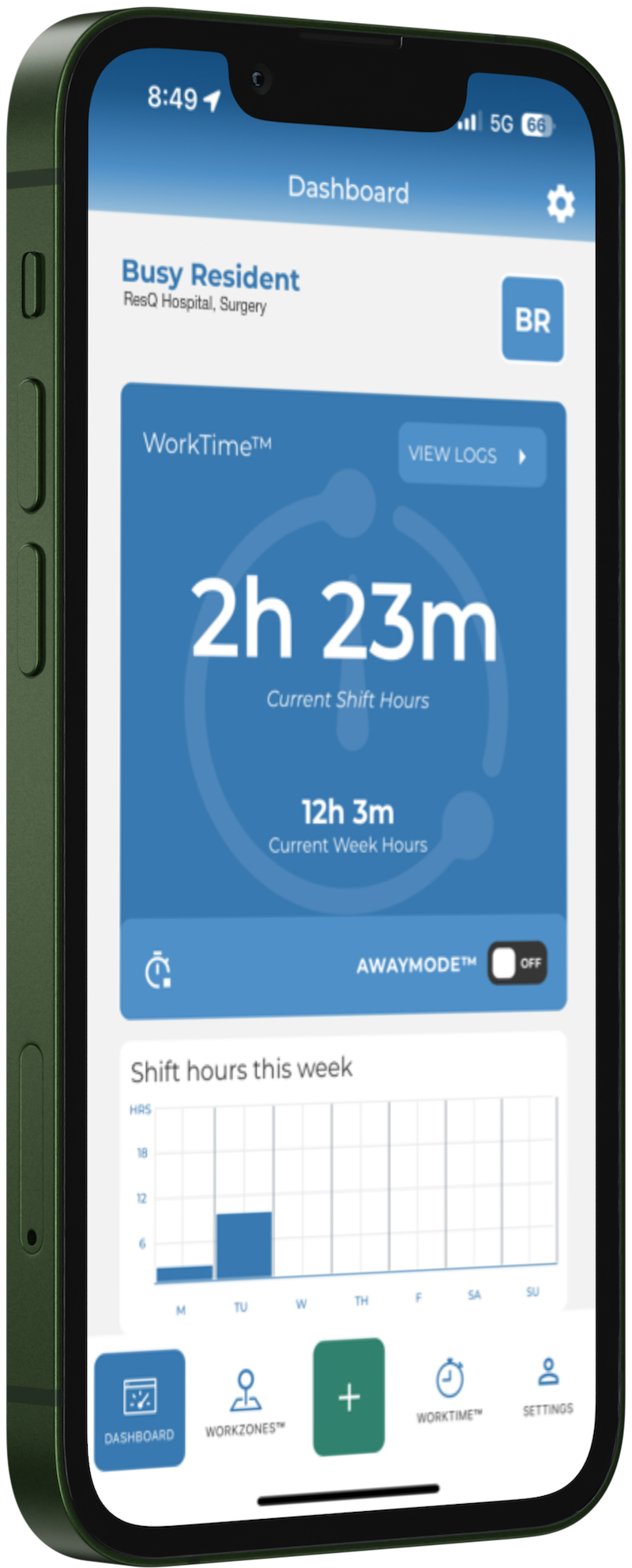
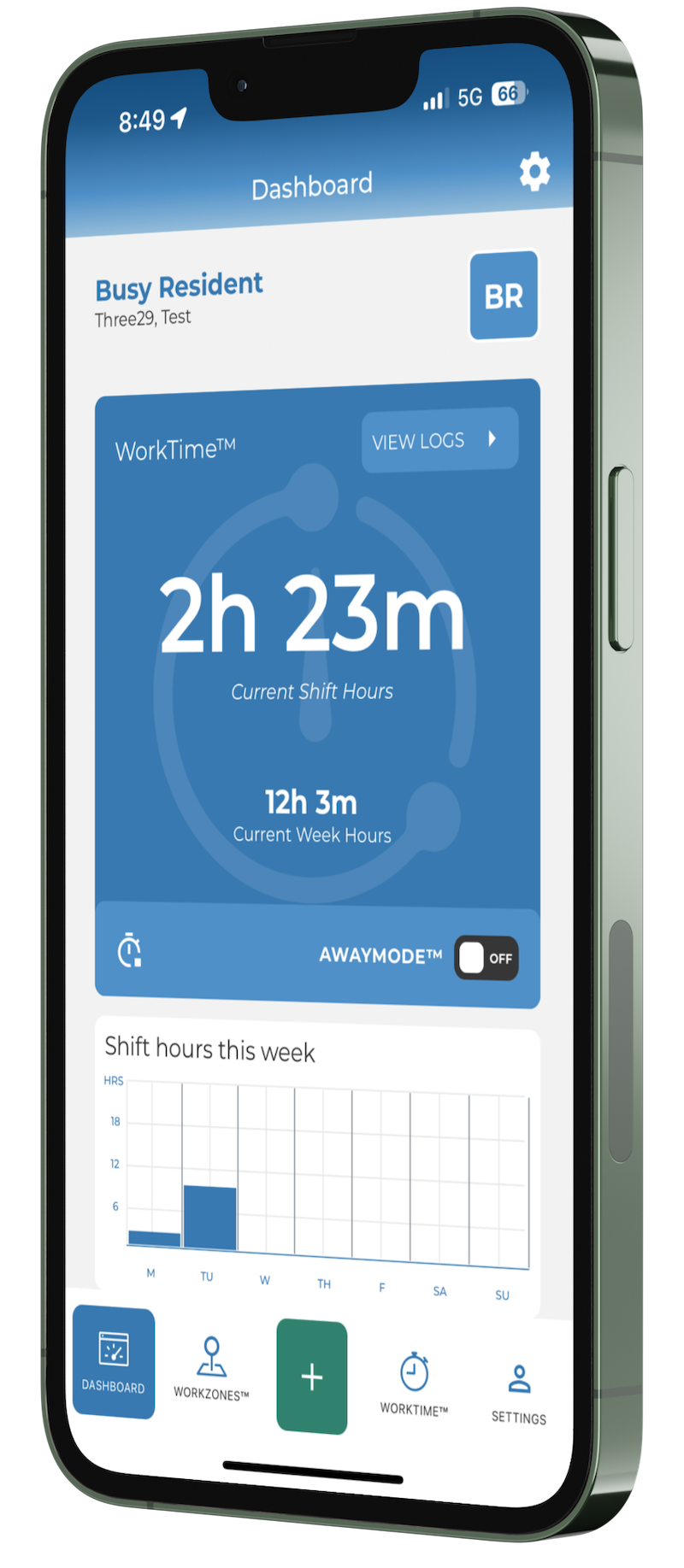
WorkTime Automation records and documents resident and fellow work hours automatically, on iPhone and Android. Patented location technology starts the clock when they enter a WorkZone™ and stops it when they leave. Nothing to submit, nothing to remember.
Request a demoSee how it works
Available on iOS and Android. Hours meet ACGME work-hour requirements and can be edited at any time.
The problem
Hours recorded as they happen are hours you can rely on.
Most work-hour records are reconstructed after the fact — at the end of a shift, a week, sometimes a rotation. That puts residents in the position of estimating, coordinators in the position of chasing, and programs in the position of making ACGME decisions on approximate numbers.
How it works
Four steps, then it runs itself.
Set up once with your institution. After that, residents carry a phone they already carry.
Define WorkZones™
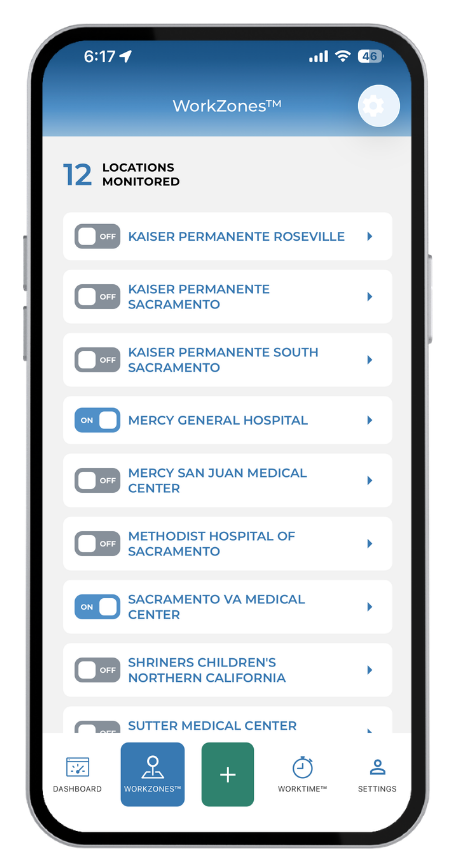
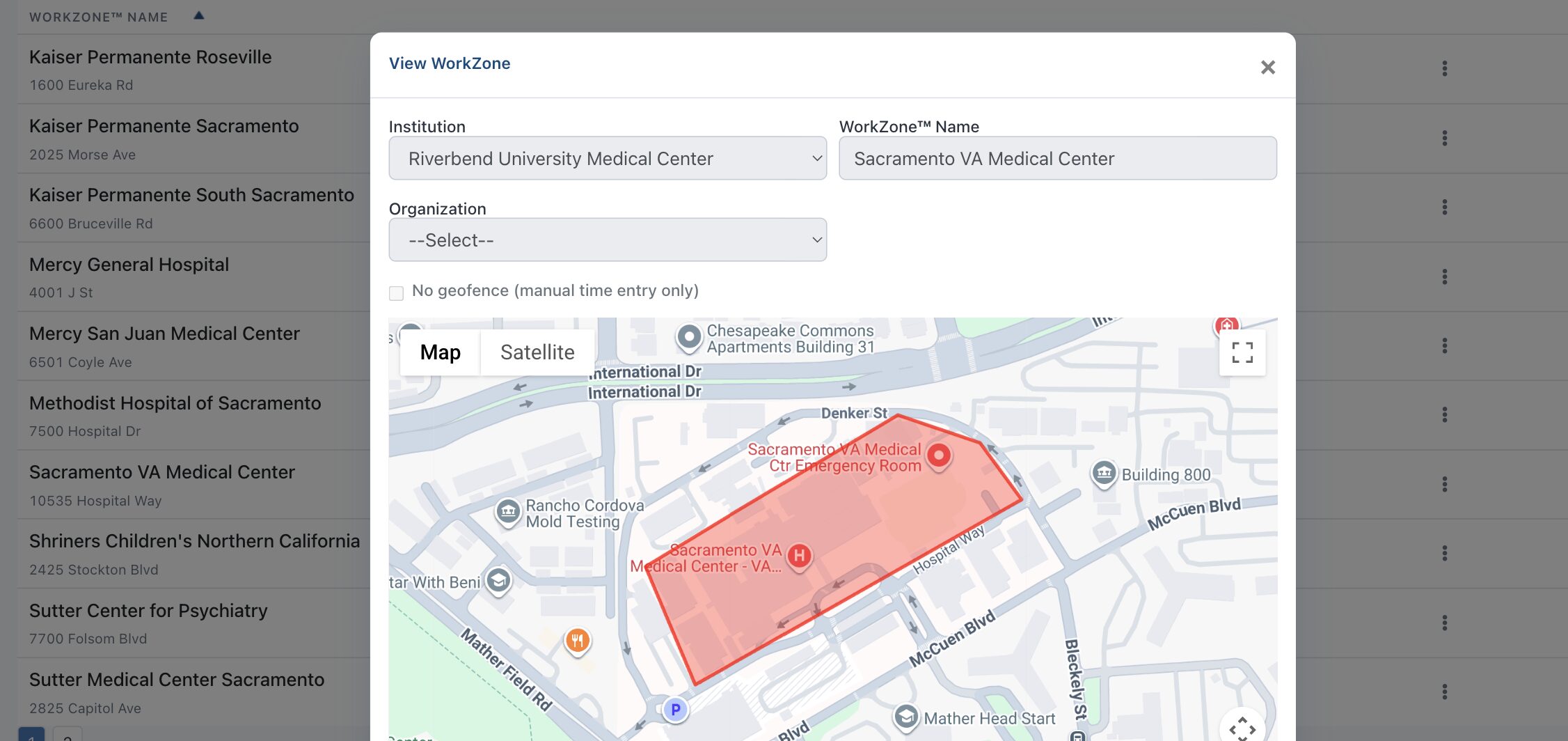
Your hospitals, clinics and affiliate sites are set up as geofenced WorkZones during onboarding.
Residents install the app
A one-time download and registration on iPhone or Android, using your institution ID.
Hours record on entry and exit
The clock starts on arrival at a WorkZone and stops on departure. No buttons, no timesheets.
Review, edit, done
Residents can see and adjust their own hours at any time. The record stays contemporaneous.
Automatic recording
A time clock that never needs pressing.
Patented location technology does the recording, so the hours reflect what actually happened rather than what someone remembered.
- Records on entry to and exit from any defined WorkZone™
- Works across multiple sites in a single day without intervention
- Contemporaneous by design — no end-of-rotation reconstruction
- Hours meet ACGME work-hour requirements
Resident control
Residents can see and change everything.
Automatic does not mean opaque. Every boundary is visible in the app, and every hour remains editable.
- Full visibility of every WorkZone™ boundary the institution has defined
- Individual WorkZones can be toggled by the resident
- Hours can be added or edited at any time
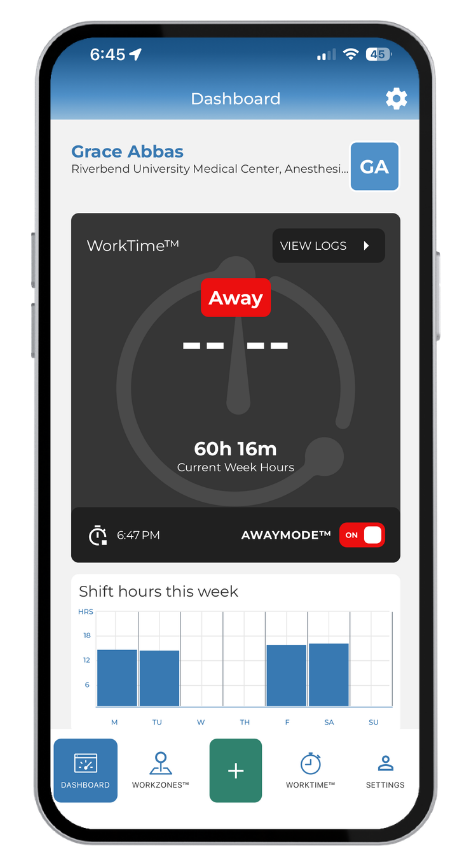
- AwayMode™ for time that should not be recorded at all
Works with what you have
No system change required.
ResQ can run alongside your existing residency management system, or independently.
- Recorded hours sync to MedHub, Medtrics and New Innovations
- A separate server is stood up for each institution
- Residents keep one app rather than another login
- Administrators keep the reporting they already rely on
SelfLog™
For the hours that happen somewhere else
Automatic recording covers the sites where residents train. Some work does not happen there — charting from home after a shift, taking call, reading for a case in the morning. Those hours can be added to the record too.
SelfLog™ is how a resident puts those hours in themselves. On the WorkTime™ screen they add a shift and choose the “Work From Home” WorkZone™. It takes seconds.
The difference is worth being precise about: automatic recording is based on where a resident is. SelfLog™ is based on what the resident tells us. The “Work From Home” WorkZone™ has no boundary and no location behind it — it is simply the label for hours a resident entered by hand.
Open WorkTime™
The WorkTime™ screen in the ResQ app, where the week's hours live.
Add the shift
Enter the date and the hours actually worked.
Choose Work From Home
Save, and the hours join the same weekly total as everything else.
Automation covers where residents train. SelfLog™ covers the rest.
Where ResQ draws the privacy line
ResQ never processes identifiable location data on its servers. The app records entry to and exit from the WorkZones your institution has defined — not a resident movements. Every boundary is visible in the app, individual WorkZones can be switched off by the resident, and AwayMode™ exists for time that should not be recorded at all. Adoption depends on residents trusting this, so it is built in rather than promised.
Who it is for
The people logging hours, and the people chasing them.
WorkTime Automation is the foundation the rest of ResQ is built on.
Residents and fellows
Stop reconstructing a week from memory. Hours record themselves, stay editable, and take no time away from patient care or education.
Program Coordinators
Stop chasing submissions. The record builds itself, so the time currently spent on reminders goes back into running the program.
Program Directors
Make compliance decisions on a contemporaneous record rather than on estimates entered after the fact.
Common questions
Before you ask
Is ResQ tracing where residents go?
No. ResQ records entry to and exit from the WorkZones your institution defines, and never processes identifiable location data on its servers. Residents can see every boundary and switch individual WorkZones off.
What if the recorded hours are wrong?
Residents can add or edit hours at any time, in the app or through their institution web portal. Automatic recording removes the burden; it does not remove control.
Which devices are supported?
iPhone and Android. Residents download the app once, register with your institution ID, and carry on as normal.
Do we have to replace our current RMS?
No. ResQ works independently or alongside your existing system, and recorded hours sync to MedHub, Medtrics and New Innovations.
What happens on rotations at other sites?
Any site set up as a WorkZone™ records automatically, including affiliate and host sites. Multiple sites in a single day need no intervention from the resident.
The rest of the ResQ family
What the recorded hours make possible.
BroadcastProgram announcements pushed to your residents, with read receipts — right inside ResQ.Explore →
See hours record themselves.
A 30-minute walkthrough with the ResQ team, using your own programs and sites as the example.