
What a WorkZone™ actually is
“Clock in by walking in” is a good line. It also raises an obvious question: what’s actually happening underneath it?
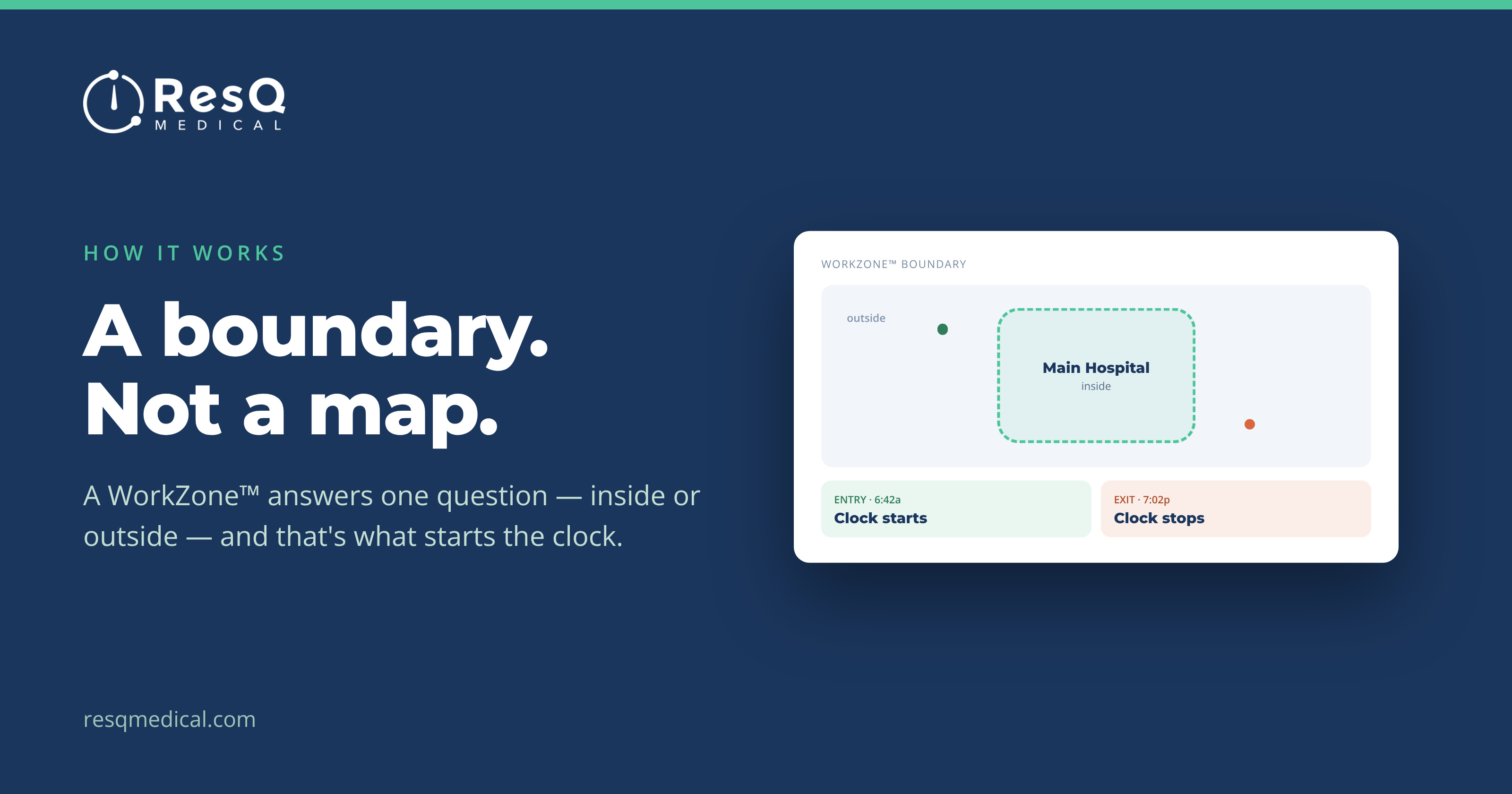
The answer is the WorkZone™ — a virtual boundary drawn around a clinical site. Your hospitals, clinics and affiliate sites are each set up as a WorkZone™ during onboarding. When a resident carrying the ResQ app enters that boundary, entry is recorded. When they leave, exit is recorded. It works like a time clock that never needs pressing.
One day, three sites, zero taps
Picture a resident on a split day: rounds at the main hospital, an afternoon in the outpatient clinic, an evening shift at an affiliate site across town. Three separate locations, three separate stretches of work, and historically three chances to misremember a start time.
Each of those sites is its own WorkZone™. Each entry and exit is recorded as it happens, without the resident intervening once. What lands in the record isn’t an estimate assembled on Sunday night — it’s what actually happened, in the order it happened.
That’s what contemporaneous means in practice, and it’s the difference between an 80-hour average you can act on and one you have to caveat.
Residents can see every boundary
Automatic doesn’t mean hidden. In the app, a resident sees each WorkZone™ boundary their institution has defined — and keeps the controls:
- Toggle individual WorkZones™ on or off
- Use AwayMode™ to stop recording entirely when off the clock
- Add or edit hours any time, in the app or the web portal
And the boundary is doing less than people assume. ResQ never processes identifiable location data on its servers. A WorkZone™ decides one thing — whether the clock is running — not where anyone went.
Why tying hours to a place matters later
Because every recorded hour is attached to a WorkZone™, the site becomes something you can report on. Most Active WorkZones™ surfaces on the dashboard. The WorkTime™ Summary can be grouped by WorkZone™, so every site appears side by side. And the WorkZone™ Daily Detail report breaks hours down per resident, per day, at a single site — one column for every date in the range.
That last one reaches past compliance. When residents rotate through host and affiliate sites, “how many hours were actually worked here?” is usually answered by hand — and it matters, because those hours sit underneath affiliate agreements and the invoices that follow them. A day-level record of who was on site and for how long gives a GME or finance office something real to check a bill against, instead of reconciling one estimate against another.
Worth being precise about what that is: corroborating evidence for reconciling affiliate arrangements, not a payroll-grade source of truth. But corroborating evidence is considerably more than most institutions have today.
None of that is possible if hours are just numbers typed into a form. It’s possible because the record knows where it came from.
How a WorkZone™ gets set up
This is a one-time exercise, done with your institution during onboarding rather than something a program maintains. Each hospital, clinic and affiliate site is defined as a WorkZone™, and a separate server is stood up for the institution.
After that it’s largely invisible. New residents arriving in July inherit the same WorkZones™ — there’s nothing to rebuild for a new cohort. Adding a site later is a configuration change on your side, not a project for the program office.
It’s worth being clear about what a WorkZone™ is not, too. It isn’t a location history, a route, or a map of anyone’s day. The boundary answers one binary question — inside or outside — and that answer is what starts or stops the clock.