
Broadcast
Using the ResQ app, the meeting administrator broadcasts a signal to attendees.
Join
QMeet™ allows attendees to “join” the meeting by entering a unique code or being “in-range” of the meeting administrator.
Confirm
Once the attendee “joins” the meeting, attendance is confirmed and recorded.
Sync
QMeet™ attendance records are saved to the ResQ database.
Available Soon
Finally, A Streamlined Solution For Conference Attendance
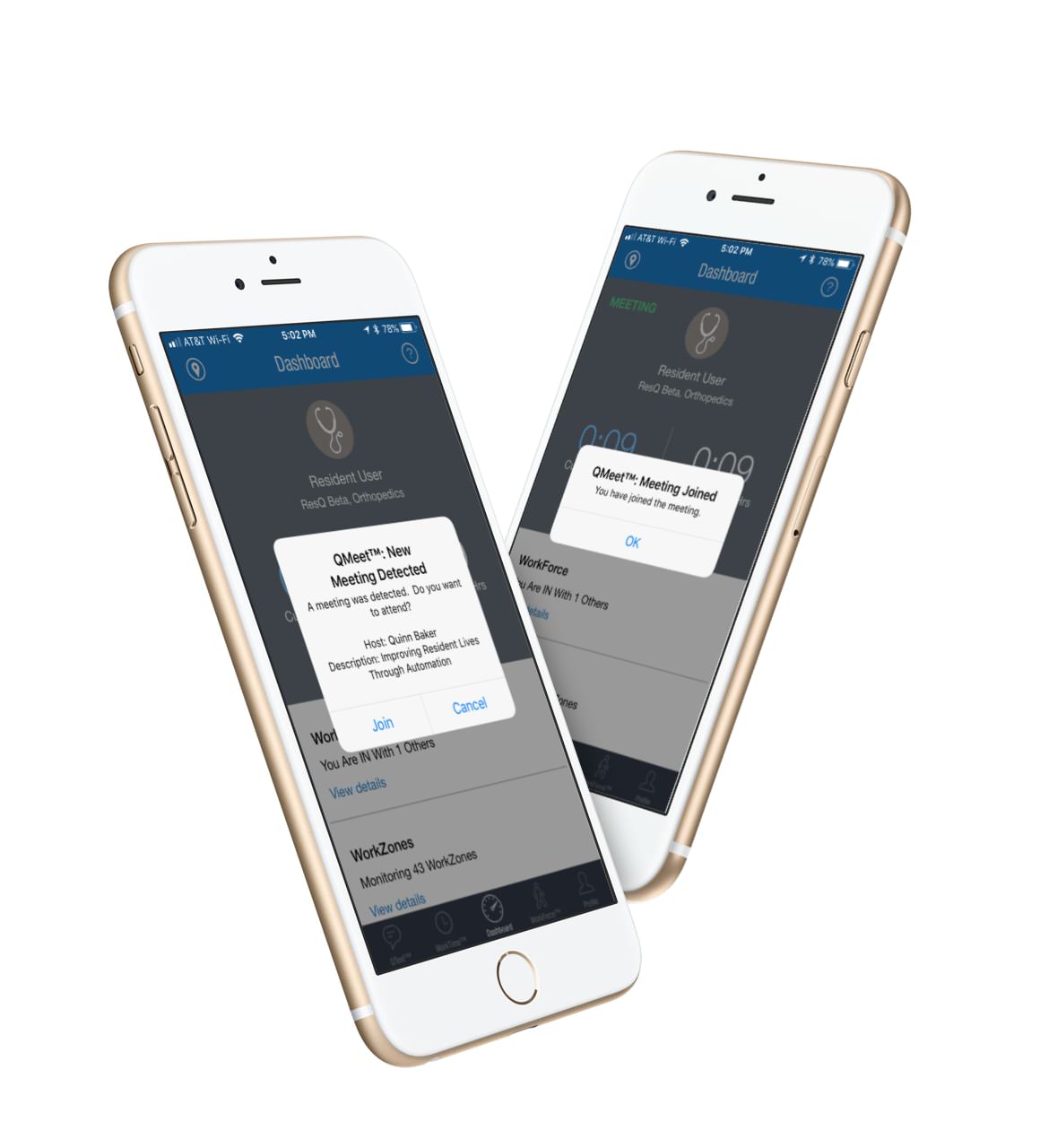
Broadcast • Join
Documenting conference attendance has never been easier! Using the ResQ app, meeting administrators can now broadcast a meeting signal to conference attendees. When the attendee comes within range of the signal, the ResQ app prompts the attendee to “join” the meeting.
Confirm • Sync
Once the meeting attendee “joins” the meeting, they receive a confirmation message and their attendance is automatically recorded.
Register To Receive More Info About QMeet™ MeetingManager
In the news
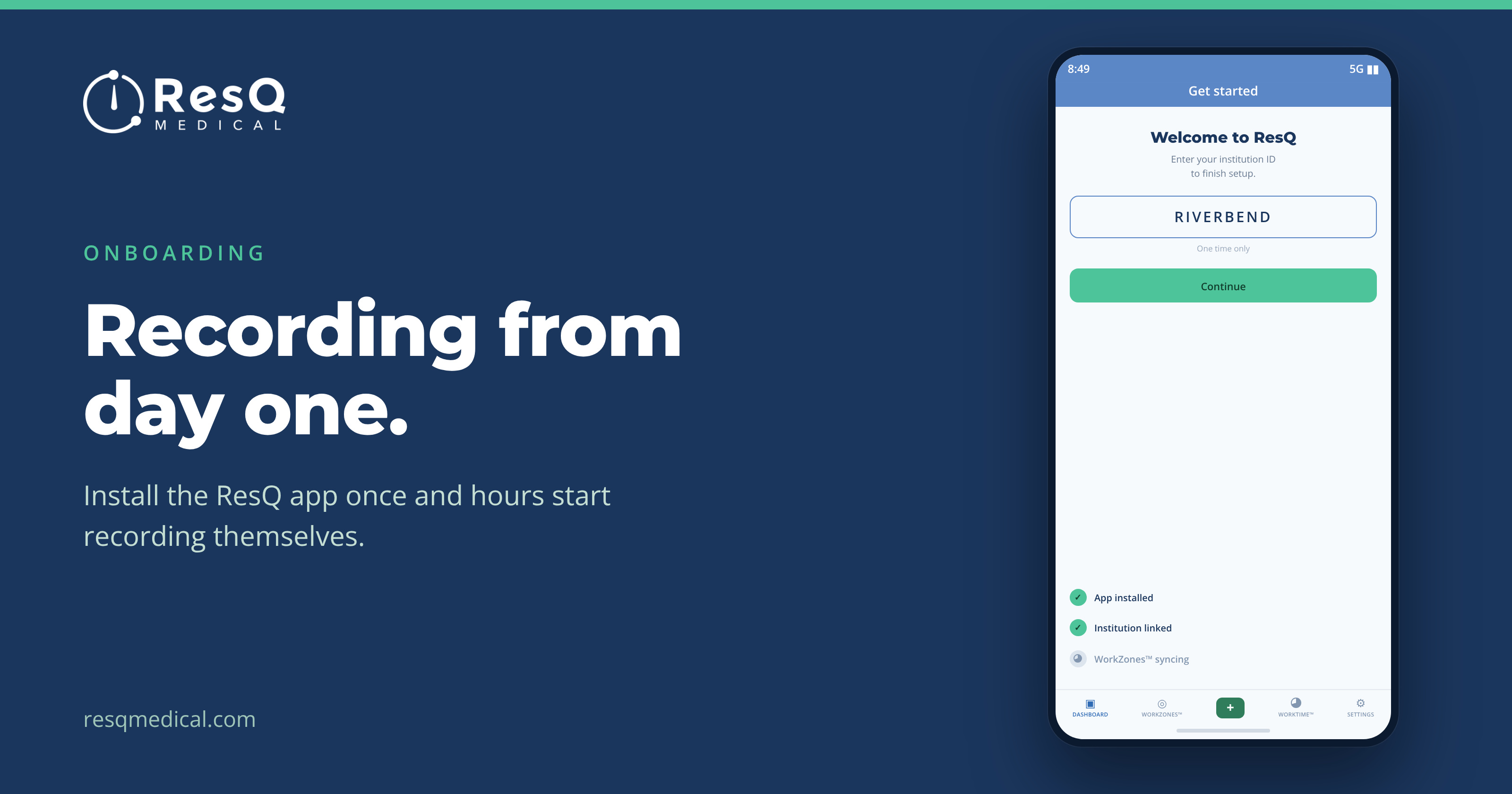
Getting a new residency class recording from day one
Orientation week is a firehose. With ResQ there is much less habit to build, because the hard part happens on its own — three steps and a new class is recording from day one.
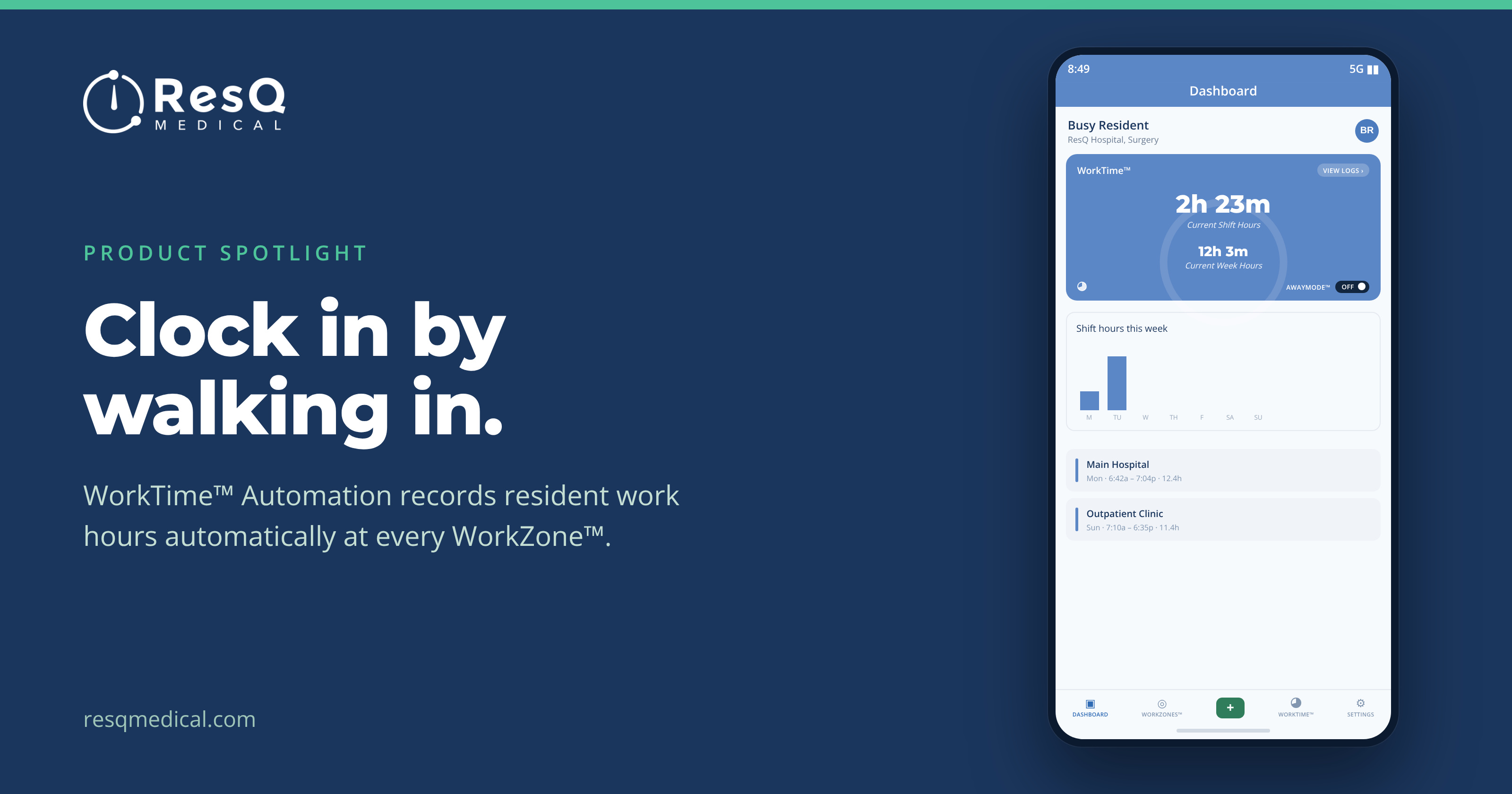
WorkTime™ Automation: clock in by walking in
It’s Sunday night and a resident is trying to remember Tuesday. Most duty-hour records are reconstructed after the fact. WorkTime™ Automation starts from a different premise.
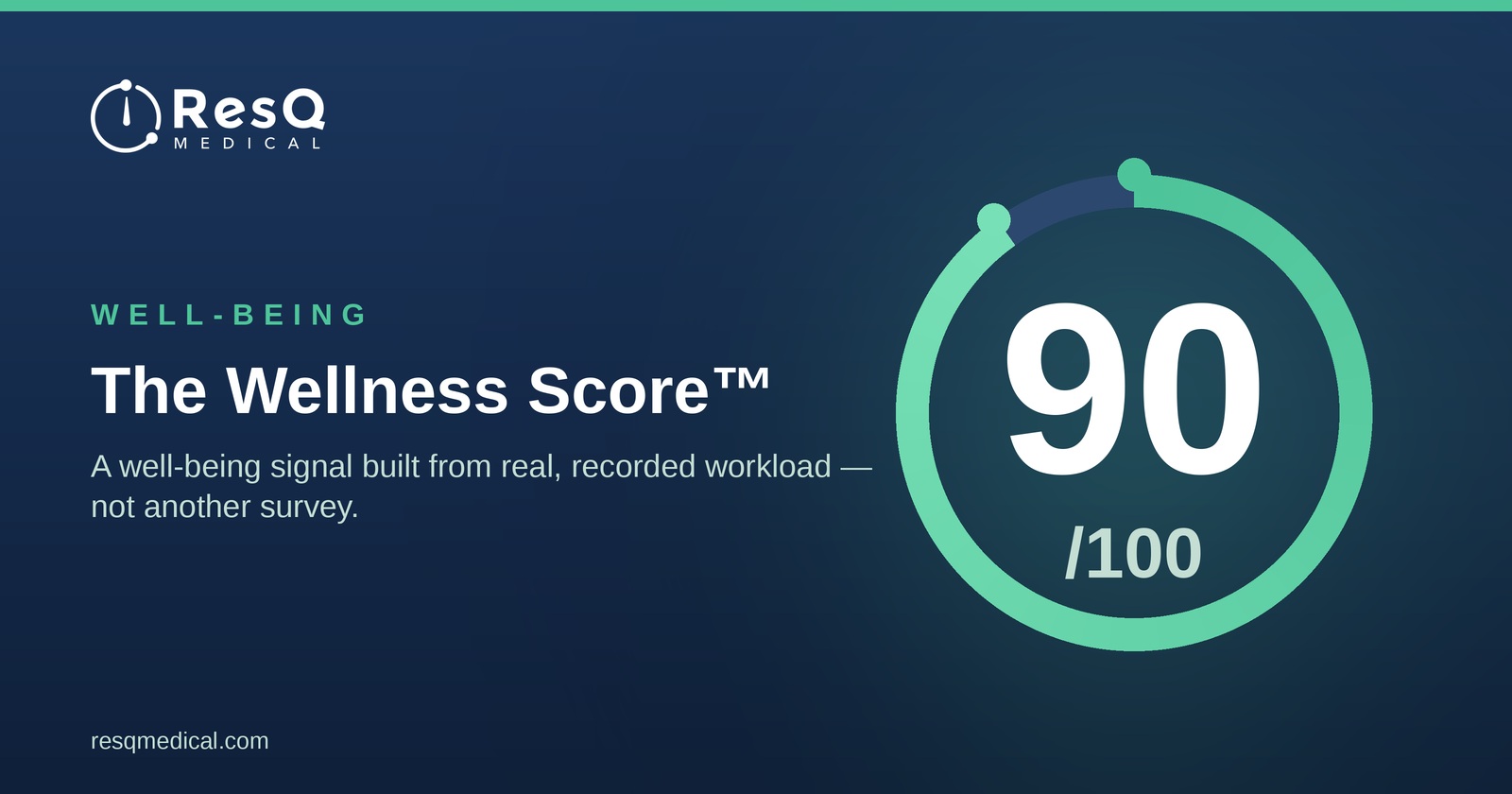
The Wellness Score™: A Well-Being Signal Built From Real Workload
ResQ’s Wellness Score™ is a well-being signal built from real, recorded resident workload — not another survey.