
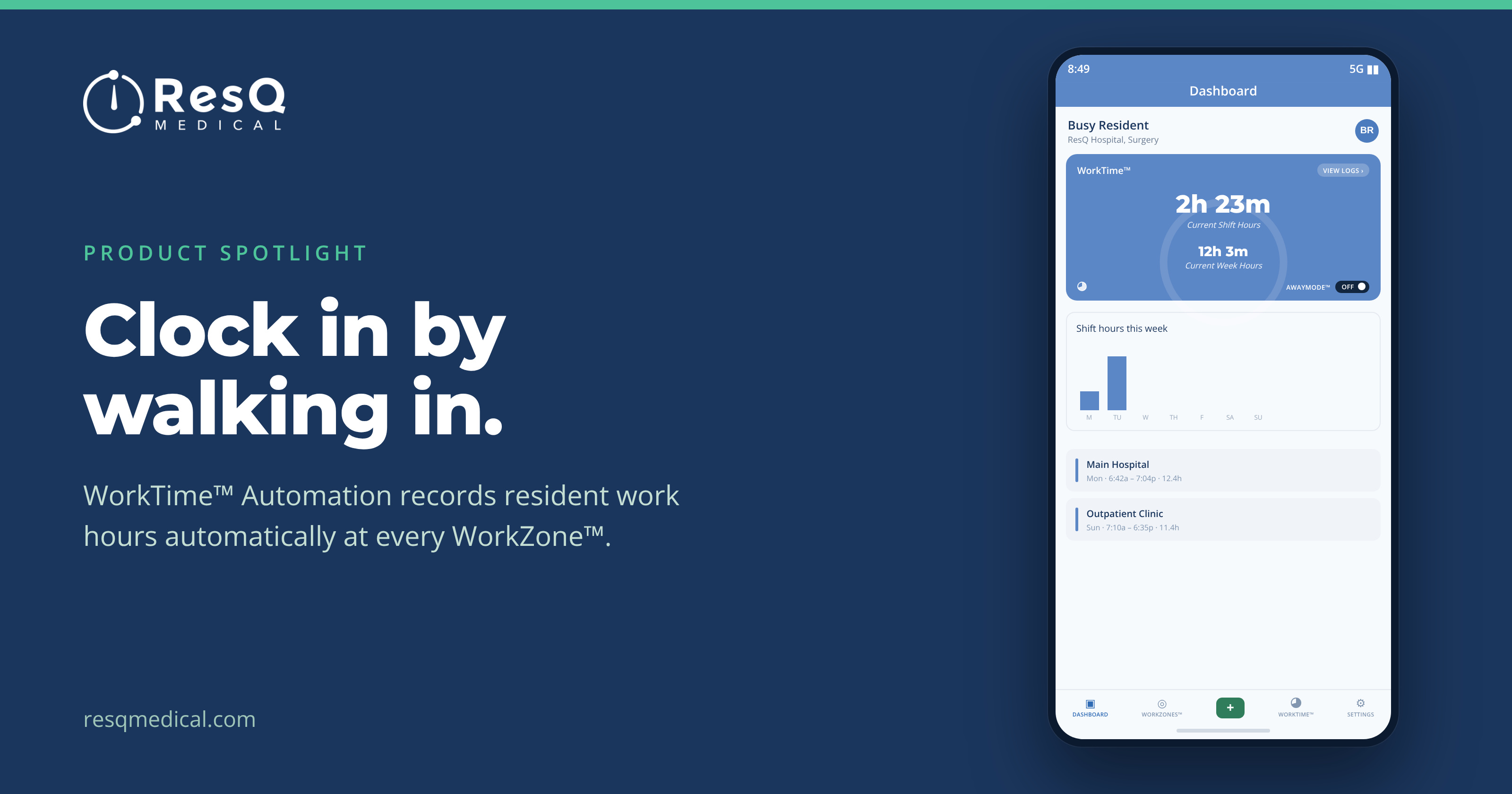
WorkTime™ Automation: clock in by walking in
It’s Sunday night and a resident is trying to remember Tuesday. Was it a thirteen-hour day, or closer to fifteen? Did the late add-on case push past ten? The form needs a number, so a number goes in. Multiply that by a program, then by a quarter, and that’s the data an 80-hour average gets calculated from.
Most work-hour records are reconstructed after the fact — at the end of a shift, a week, sometimes a whole rotation. It puts residents in the position of estimating, coordinators in the position of chasing, and programs in the position of making decisions on approximate numbers.
WorkTime™ Automation starts from a different premise: the most reliable work-hour data is the data no one has to enter.
Four steps, then it runs itself
- Define WorkZones™. Your hospitals, clinics and affiliate sites are each set up as a WorkZone™ — a virtual boundary — during onboarding, once, with your institution.
- Residents install the app. A one-time download and registration on iPhone or Android using your institution ID.
- Hours record on entry and exit. The clock starts on arrival at a WorkZone™ and stops on departure. No buttons, no timesheets.
- Review, edit, done. Residents can see and adjust their own hours at any time — the record stays contemporaneous.
A resident who touches three sites in a single day does nothing differently. Main hospital in the morning, clinic after lunch, affiliate site for an evening shift — each is its own WorkZone™, and each is recorded without a single tap.
Automatic doesn’t mean opaque
Adoption depends on residents trusting what’s running in their pocket, so control is built in rather than promised:
- Every WorkZone™ boundary the institution has defined is visible in the app
- Individual WorkZones™ can be toggled off by the resident
- Hours can be added or edited any time, in the app or the web portal
- AwayMode™ exists for time that shouldn’t be recorded at all
And the line we don’t cross: ResQ never processes identifiable location data on its servers. The app records entry to and exit from the WorkZones™ your institution defined — not a resident’s movements.
What the recorded hours make possible
Automation is the first of the four WorkTime™ products, and the other three are built on the clean record it produces. WorkTime™ Awareness turns those live hours into a dashboard and early-warning alerts. WorkTime™ Analytics turns them into reports you can run by program, PGY level, WorkZone™ or resident. The Weekly Summary turns them into a recap that arrives on its own, carrying a Wellness Score™.
Every one of those runs on hours already being recorded. Nothing to collect, nothing to police.
“But what if the recorded hours are wrong?”
It’s the first question most programs ask, and it’s the right one. A resident lingers an hour after signing out. A phone is left in a locker. Someone comes in on a day off and forgets to switch AwayMode™ on.
The answer is that automatic recording removes the burden, not the control. Hours can be added or edited at any time — in the app or through the institution’s web portal. The difference from a blank form is where you start: correcting one entry on an otherwise accurate week, rather than rebuilding the whole week from memory.
Practically, the app is also unobtrusive about it. It runs quietly in the background on iPhone and Android with minimal battery draw, and residents told us the same thing repeatedly — the best version of this is the one you stop noticing.
See hours record themselves.
From the ResQ blog