
Getting a new residency class recording from day one
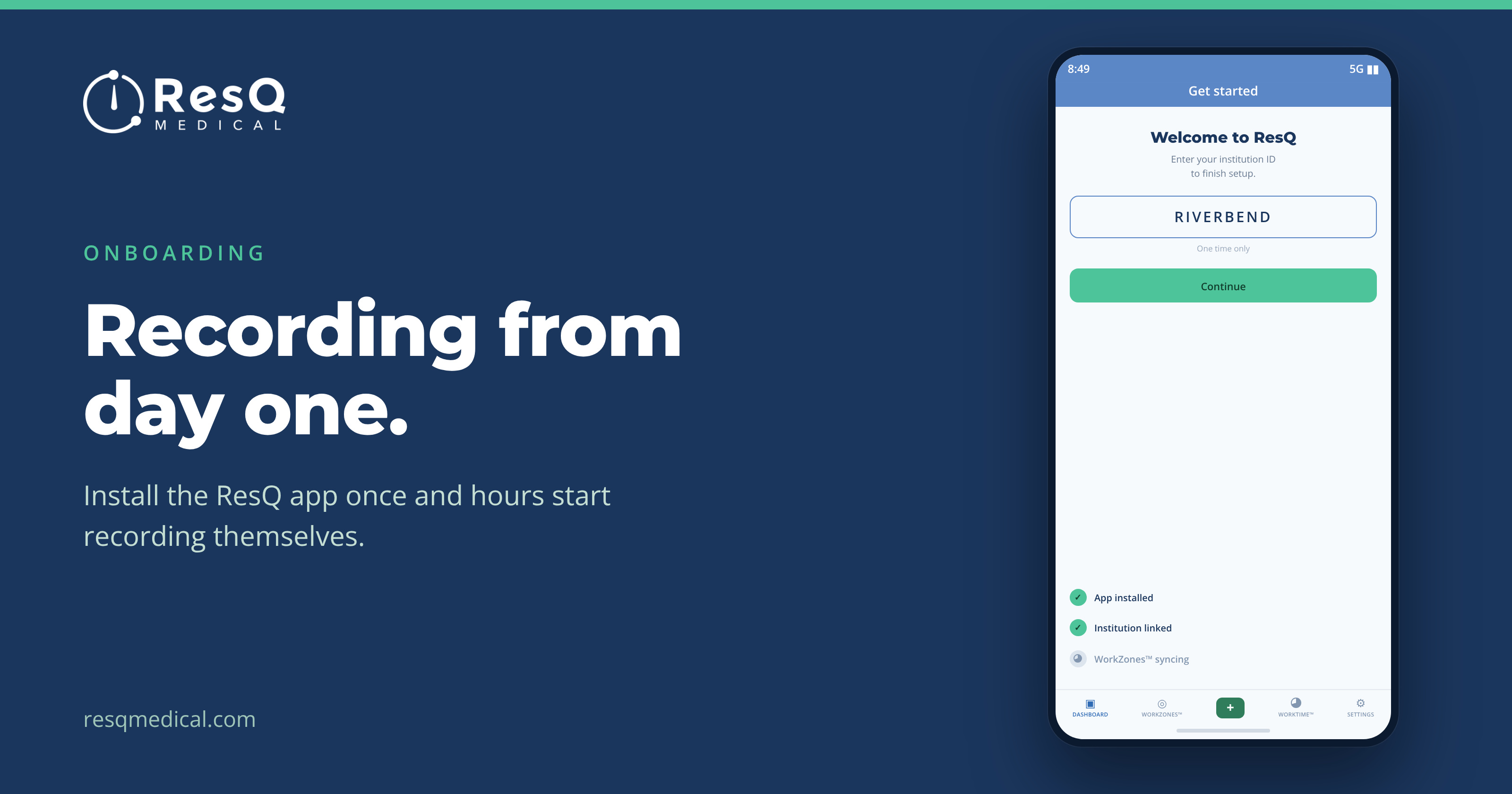
Orientation week is a firehose. Badges, parking, EMR training, benefits, a tour of a building nobody will remember. Somewhere in that stack is a slide about logging work hours — a habit you’re asking a new cohort to build in the same week they’re learning where the supply room is.
It’s the moment good intentions go sideways. Not because anyone is careless, but because a manual habit formed during the busiest week of the year is a habit that erodes by October.
With ResQ, there’s much less habit to build, because the hard part happens on its own.
Three small steps for each resident
- Download the ResQ app — iPhone or Android, once.
- Register with your institution ID, then sign in with the ResQ Login Link — no password to create or remember.
- That’s it. Your program’s WorkZones™ are already defined, so hours begin recording the moment a resident walks into a clinical site.
No form to fill in at the end of a shift. No submission for anyone to chase in week one. And because every clinical site is its own WorkZone™, a new intern rotating across the main hospital and an affiliate site is covered from the first day without doing anything differently.
What the program office actually has to do
Share the Getting Started Guide with the incoming class. That’s the bulk of it. The WorkZones™ were configured once, with your institution, and they don’t need rebuilding for a new cohort.
Within the first week, new residents start seeing their own hours on their dashboard, and the weekly summary begins arriving on its own — their hours for the week, their four-week average, and a compliance checklist. A new intern learns where they stand without ever running a report or asking a coordinator.
Trust, built into the first experience
The first question a new resident asks about automatic recording is usually some version of “so what exactly is this watching?” It’s a fair question, and it’s better answered in orientation than in a rumor three weeks later.
The answer: every WorkZone™ boundary is visible in the app, individual WorkZones™ can be switched off, hours can be edited any time, and AwayMode™ turns recording off entirely for personal time. ResQ never processes identifiable location data on its servers.
Start a class that way and you get accurate hours and a cohort that isn’t suspicious of the tool — which matters far more by month six than it does in July.
The first rotation, in practice
A new intern’s first block rarely sits in one building. Main hospital for a few weeks, then a clinic, then a stretch at an affiliate site across town. Historically that’s where a new logger’s habit breaks down first — different badge, different routine, different reason to forget.
Because each of those sites is already its own WorkZone™, none of it requires anything from the intern. Multiple sites in a single day need no intervention either.
And when something is off — a phone left in a locker, an hour that shouldn’t have counted — they edit it themselves, in the app or the web portal. That’s a very different first-year experience from being emailed twice a week about a form.