
Nine releases in six weeks — now all on one page
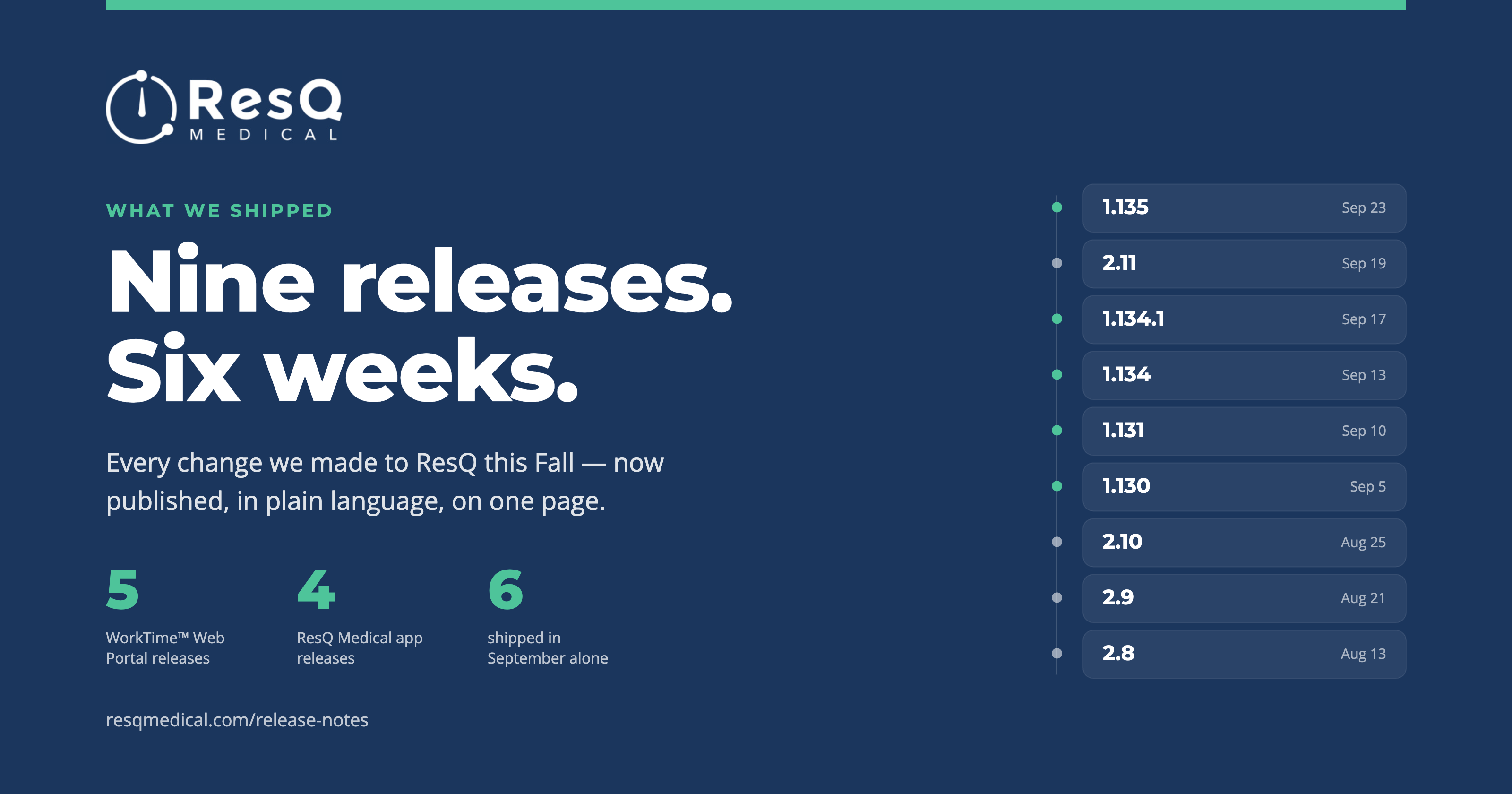
Between 13 August and 23 September we put out nine releases — five to the WorkTime™ Web Portal and four to the ResQ Medical app. Six of them landed in September alone.
Normally you would have had to take our word for that. You don’t any more. We’ve published a release notes page, and every one of those releases is on it, written in plain language rather than in the shorthand engineers use with each other.
Nine releases in six weeks is a lot of change to absorb, and the number on its own undersells it. Each release carries a stack of individual changes across three parts of ResQ — the web portal, the mobile app, and the services that do the recording — and most of them are things you would never see listed as a feature: accuracy work, reporting corrections, groundwork for what comes next. All of it now has somewhere to live.
Here’s what the last six weeks actually added up to.
Residents can attest their hours. You can prove who changed what.
This is the pair we’re proudest of, and they were built to work together.
Attestation arrived in portal 1.135. A program can now ask its residents to attest to their recorded duty hours, set how often the reminders go out, and lock attested shifts against further editing. The hours stop being something a coordinator chases and become something the resident has signed off on.
The Edited Logs Report arrived two weeks earlier, in 1.134. Every manual change to a duty-hour record is now written down — who made it, when, and why. The “why” is no longer optional: a reason is required for every manual edit, chosen from a fixed list rather than typed freehand, so the report stays searchable and the reasons stay comparable across a program.
Put the two together and a program has a record it can hand to a reviewer without first having to reconstruct it from memory and email.
Recording that holds up near a small WorkZone™
A small WorkZone™ has always been the hardest case. A phone passing within range of a tight boundary — a resident driving past the hospital on a day off, say — could open a shift that never happened.
Portal 1.131 introduced entry-side dwell confirmation. A WorkZone™ entry is now confirmed only after the phone has actually stayed put for a short period, which removes most of those drive-through shifts before anyone has to notice and delete them.
We also made the problem visible before it happens: the WorkZone™ list now warns administrators when a boundary has been drawn too small for phones to detect reliably, so it can be fixed at setup rather than discovered in a report two months later.
On the phone itself, app 2.10 fixed a case where recording could stop after a device operating-system update, and added clearer guidance for residents when Precise Location or battery settings are getting in the way.
MedHub Sync 2.0
For institutions running both systems, portal 1.130 rebuilt the MedHub sync on a user-keyed queue and added a weekly reconciliation that compares what MedHub holds against what ResQ recorded, program by program.
In 1.135 we closed the remaining gap: hours a resident adds manually in the portal now sync exactly like automatically recorded ones, so the two systems no longer disagree for reasons nobody can trace.
Reconciliation is designed to corroborate and to flag exceptions for review — not to serve as a system of record on its own.
And a few smaller things
- Broadcast templates. Announcements you send repeatedly can be saved and reused instead of rewritten.
- An Updates tab in the portal. ResQ news now appears where administrators already are, rather than only in email.
- A configurable shift-merge gap. Each institution can now set the gap — anywhere from 30 minutes to three hours — that determines when two nearby segments count as one shift.
The page is maintained, not a one-off
We rebuilt the release notes page itself in the same stretch. It’s laid out month by month, you can filter it to just the portal or just the app, and the header always shows the most recent release.
It updates as we add entries, which is the point. The pace in this post isn’t meant to be remarkable — it’s meant to be normal, and now there’s somewhere to check.
See it running on your own programs
A demo walks through attestation, the edited-logs record and the MedHub reconciliation on real screens, with your questions rather than our script.