
AwayMode™, explained: personal time stays personal
It’s your day off and a friend suggests lunch. The good sandwich place happens to be in the hospital you work in. Or you’re swinging by to pick something up from your locker, or coming in on a Saturday for a research meeting that has nothing to do with clinical work.
You’re inside a WorkZone™, and you’re not working. Automatic recording is a relief right up until that moment — which is exactly the moment AwayMode™ is built for.
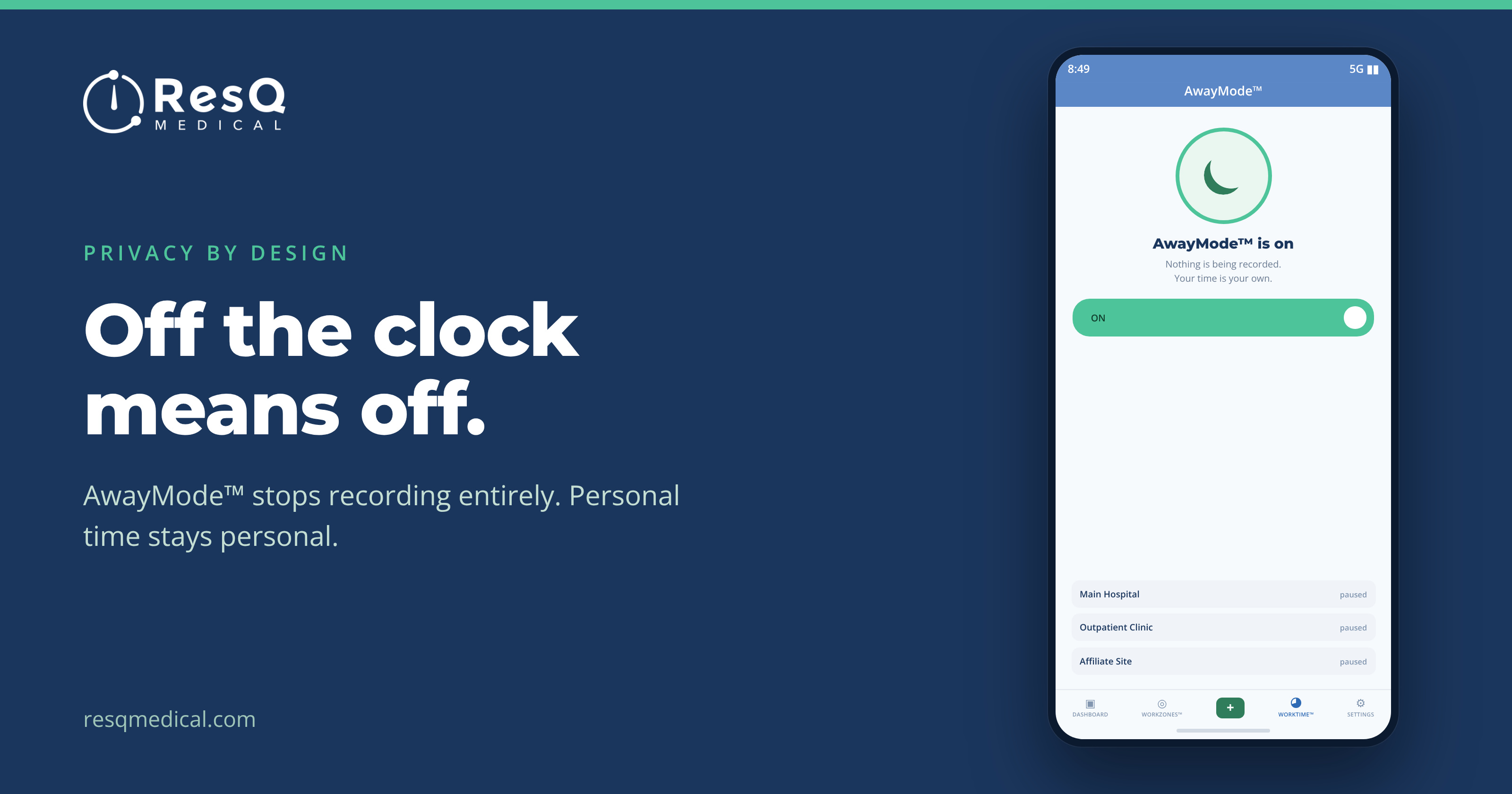
Turn AwayMode™ on and the ResQ app stops recording hours on your device and pauses location entirely. Personal time stays personal: no hours logged, nothing to notice and undo later.
AwayMode™ in three taps
- Turn AwayMode™ on. Recording pauses and location turns off the moment you tap it.
- Set your reminder. Choose when you’d like a nudge to start recording again.
- Resume work. Tap “Resume Work” and your hours record automatically again.
That middle step is the quiet-but-important one. The obvious failure mode for any “pause” feature is forgetting you paused it — and then reconstructing a shift by hand, which is the exact problem automatic recording was supposed to end. The reminder means AwayMode™ doesn’t quietly turn into a gap in your record.
One of several controls, not the only one
AwayMode™ sits alongside the rest of what a resident controls in ResQ:
- Every WorkZone™ boundary your institution defined is visible in the app
- Individual WorkZones™ can be toggled off
- Hours can be added or edited any time, in the app or the web portal
So if something does get recorded that shouldn’t have — you lingered after a shift, or AwayMode™ went on ten minutes late — the fix is editing the hours, not filing a request with anyone.
Why this is built in rather than promised
Automatic recording only works if residents trust it, and trust isn’t something you can add to a product later with a policy statement. That’s why ResQ never processes identifiable location data on its servers, and why every boundary and control lives in the resident’s own app.
Recording is automatic. Whether it’s running is always your call.
When residents actually reach for it
In practice AwayMode™ tends to get used for a handful of recurring situations:
- A day off that involves being in the building anyway — food, a locker, a colleague
- Coming in for something non-clinical: a research meeting, a committee, a talk
- Living close enough that home sits near the edge of a WorkZone™
- Any stretch of personal time you’d rather simply not appear
Note the last one especially. You don’t owe anyone a justification for using it — that’s what makes it a control rather than a request.
And if you’d rather not think about it case by case, individual WorkZones™ can be toggled off entirely, so a site you never work at stops being a consideration at all.
Your time, your control.
From the ResQ blog